A Definitive Guide to Choosing Digital Art Software for Your Creative Workflow
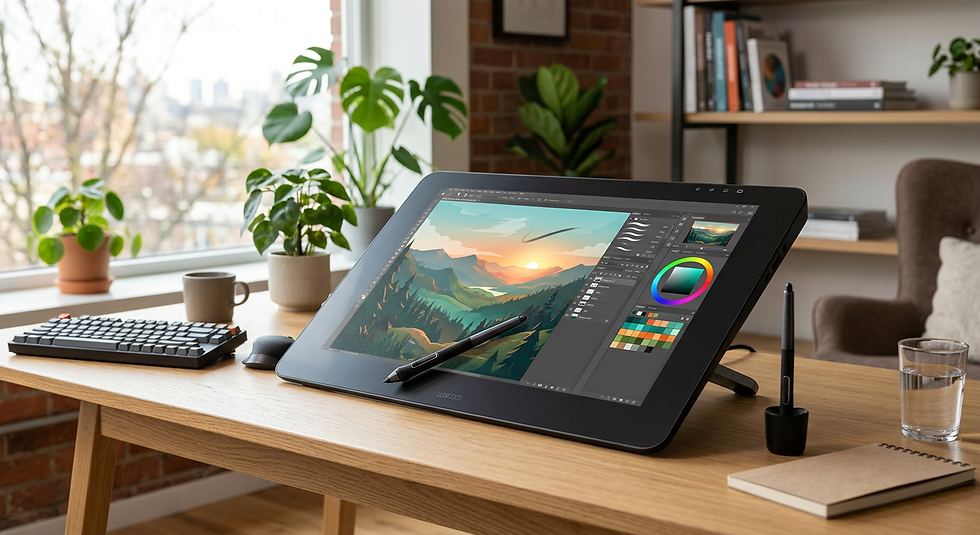
Modern creative workflows rely heavily on the integration of robust tools that bridge the gap between traditional illustration techniques and digital precision. Whether you are a professional illustrator or a hobbyist, selecting the right digital art software is the foundation of an efficient pipeline. By mastering the features of these applications, you can significantly reduce production time, experiment with complex colour palettes, and achieve intricate layer management that would be impossible with traditional media.

Quick Summary
Digital art software encompasses professional-grade illustration programs and accessible drawing applications designed to streamline the artistic process through layer manipulation, brush customisation, and vector tools. Proper selection depends on your hardware and specific creative goals.
Prioritise software that matches your primary hardware interface, such as tablet or desktop.
Explore vector-based options for scalable assets and raster programs for detailed painting.
Utilise free trials and open-source tools to test brush engines before committing to subscription models.
Consider workflow mobility by syncing across cloud-enabled platforms.
Table of Contents
[Understanding Digital Art Software](#understanding-digital-art-software)
[Selecting Between Digital Art Programs](#selecting-between-digital-art-programs)
[Maximising Drawing Apps for PC Free](#maximising-drawing-apps-for-pc-free)
[Exploring Digital Drawing Apps for Tablets](#exploring-digital-drawing-apps-for-tablets)
[Leveraging Browser-Based Drawing Websites](#leveraging-browser-based-drawing-websites)
[Common Pitfalls & Troubleshooting](#common-pitfalls--troubleshooting)
[FAQ](#faq)
[Recommended Reads](#recommended-reads)
Understanding Digital Art Software
At its core, digital art software serves as a virtual studio, providing a canvas that supports non-destructive editing through layers. Unlike physical media, digital programs allow you to isolate components of a piece - such as line work, shading, and background elements - so that modifications to one layer do not compromise the rest of the artwork. Understanding how these programs manage metadata and brush pressure sensitivity is crucial for achieving a professional finish.
Advanced digital drawing apps often incorporate hardware acceleration to ensure that heavy brushes and high-resolution canvases do not experience lag. When setting up your workspace, pay attention to the software's colour depth settings and file export capabilities. Standardising your workflow to handle high-fidelity files in formats like PSD, TIFF, or SVG ensures that your work remains compatible across different platforms and devices.
Selecting Between Digital Art Programs
When evaluating different digital art programs, the choice usually comes down to whether you require a raster-based environment or a vector-based one. Raster software, which relies on pixels, is ideal for digital painting, character design, and photo manipulation because it captures complex textures and colour gradients. Conversely, vector software uses mathematical equations to define lines and shapes, making it the superior choice for logo design and graphic illustrations that require infinite scaling without quality loss.
> Pro Tip: Always calibrate your stylus pressure curve within the software settings before starting a project, as this directly affects the responsiveness and natural feel of your brush strokes.
Industry-standard programs often come with robust community support, meaning you can find extensive libraries of custom brushes and textures. It is advisable to explore software that offers modular interfaces; being able to dock or hide palettes allows you to maximise screen real estate, which is particularly beneficial when working on smaller drawing tablets.
Maximising Drawing Apps for PC Free
Users seeking drawing apps for PC free can find powerful alternatives to expensive industry leaders. Many open-source projects now feature sophisticated brush engines that support advanced blending modes, custom shortcut mapping, and multi-monitor support. These tools often allow for intense customisation of the user interface, meaning you can curate your workspace to focus solely on the tools you use most frequently.
When using free applications on a PC, it is important to verify driver compatibility with your graphic tablet. Ensuring that your tablet drivers are up to date prevents common issues like jittery lines or ignored pressure inputs. Some free PC drawing applications also support scriptable automation, which can handle repetitive tasks such as resizing canvases or exporting iterations for client review.
Exploring Digital Drawing Apps for Tablets
For artists who prefer mobility, digital drawing apps for tablets offer touch-sensitive interfaces that mimic the tactile feel of drawing on paper. These apps are specifically optimised for gestures, allowing you to use two-finger taps to undo, or pinch-to-zoom for extreme detail work. Because tablets have limited processing power compared to desktop workstations, these apps are often highly efficient, focusing on seamless performance and rapid loading times.
When considering free drawing apps for iPad or other tablets, look for those that provide cloud synchronisation features. This functionality allows you to start a sketch on your mobile device and finish the final rendering on a desktop machine. Additionally, many of these apps now include built-in QR code functionality to easily share your portfolio or link your social media profiles directly from your digital business card.
Leveraging Browser-Based Drawing Websites
Drawing websites free of installation requirements provide an immediate entry point for quick sketching and collaborative projects. These platforms are increasingly capable, often supporting layering and basic export formats directly within your web browser. They are an excellent solution for artists who need to create rough concepts while using hardware that may not support heavy installed software.
These browser-based tools are particularly useful for real-time collaboration or live-streaming sessions. Because they operate in the cloud, you can access your work from any device with a stable internet connection. However, users should be mindful of browser memory limitations, as complex, large-canvas projects might occasionally require local storage or hardware acceleration to remain fluid.
Common Pitfalls & Troubleshooting
One frequent error involves failing to manage resolution settings before starting a piece. If you create a file at 72 DPI, your artwork will appear pixelated when printed; always default to 300 DPI or higher for professional output. Furthermore, neglecting to save multiple iterations of your file can be detrimental. Use a consistent naming convention to keep track of your progress, especially when working on complex projects with dozens of layers.
Another technical hurdle relates to colour profiles. Working in an RGB colour space is standard for screen-based content, but if you intend to print your work, you must convert it to CMYK. Failing to account for this conversion can lead to dramatic colour shifts that deviate from your initial vision. Always check your software’s colour management settings to ensure the output remains true to your intent.
FAQ
How do I ensure my digital art is compatible with professional print services?
You should set your document to at least 300 DPI and work in a CMYK colour profile to ensure print fidelity.
Can I use a mouse instead of a tablet for digital drawing?
While possible for basic vector work, a graphics tablet is highly recommended as it provides the pressure sensitivity necessary for natural lines and shading.
Are free drawing apps suitable for professional work?
Yes, many free and open-source programs offer professional-grade feature sets; their utility depends more on the artist's proficiency than the cost of the software.
How do I keep my digital art files organised?
Implement a strict folder structure and file naming convention, and regularly backup your files to both local drives and cloud storage.
Recommended Reads
[Digital Business Card Maker | V Card Generator - KODE.link](https://kode.link/business-cards?lang=en_US)
[How to Use Link in Bio - Step-by-Step Guides for All Platforms](https://kode.link/how-to-guide?lang=en_US)



Comments